In order to initialize the additional input to an input you've already created, click on the Initialize to checkbox.
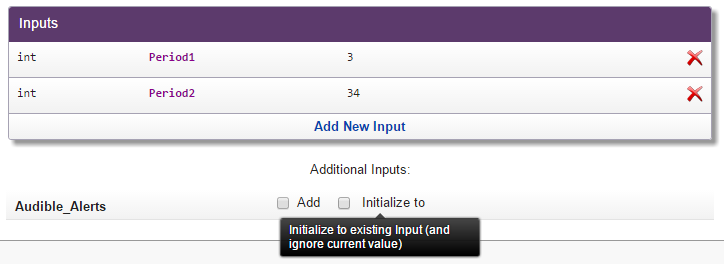
A window labeled Initialize To Input will open.
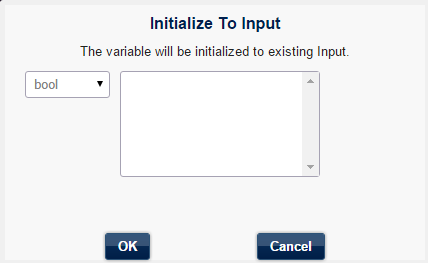
In this example, there is no appropriate input of the bool (Boolean) type, so the list is empty. The Boolean type represents two values: true or false. Remember, we have created two inputs, Period1 and Period2, that represent only integer values: 1, 2, 3, etc.
So click Cancel and Add New Input.
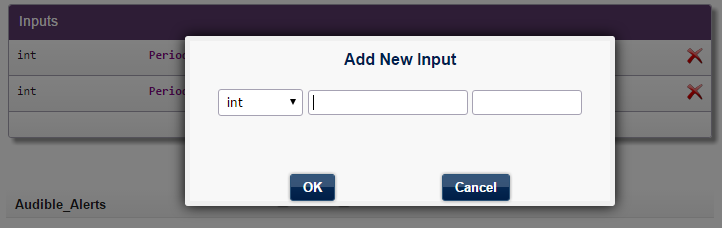
Choose bool type, enter any name you want (for example, WakeMe) and choose the default value (true or false).
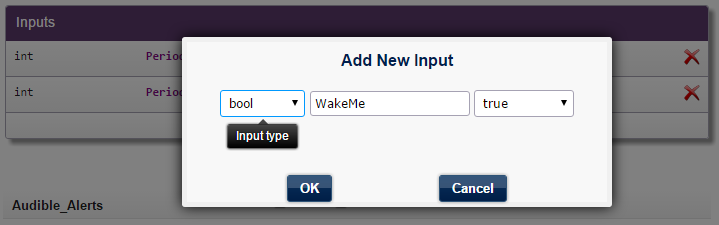
Click OK, and it will appear in the list of inputs.
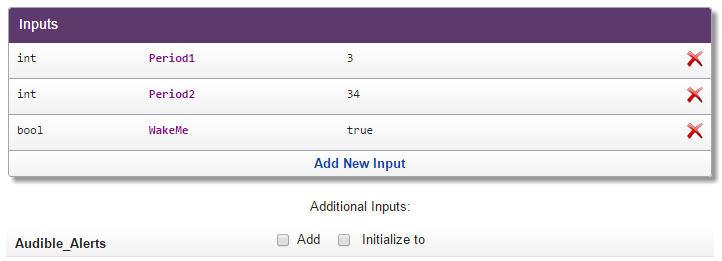
Click on the Initialize to checkbox and the appropriate input now appears in the list.
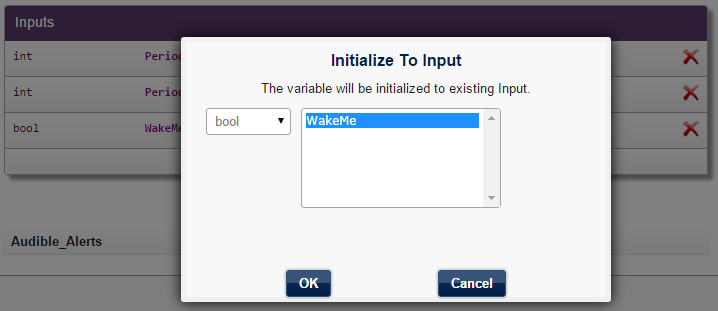
Select it and click OK. This confirms that Audible_Alerts has been initialized to WakeMe.
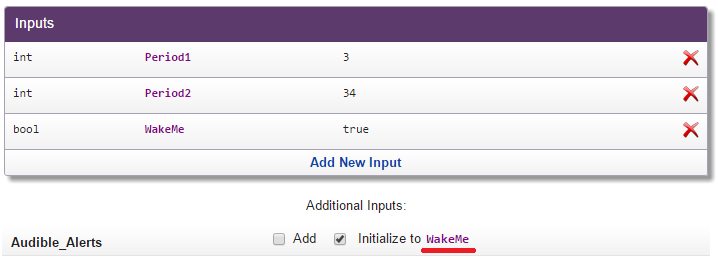
The WakeMe input will appear instead of Audible_Alerts when you attach the indicator to the chart.
