Example: Add moving average period to Inputs
In the following example, we have created a simple condition for moving average crossover. We are going to add the periods of the moving averages to Inputs.
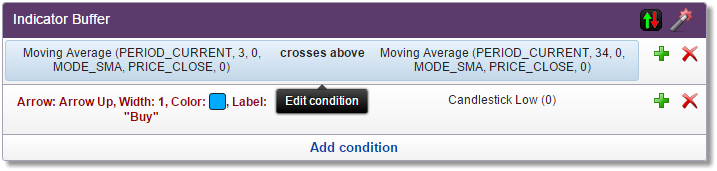
Click on the condition to edit it, and then click on the checkbox next to the Period parameter with value 3.

A new window labeled Choose Input will open.
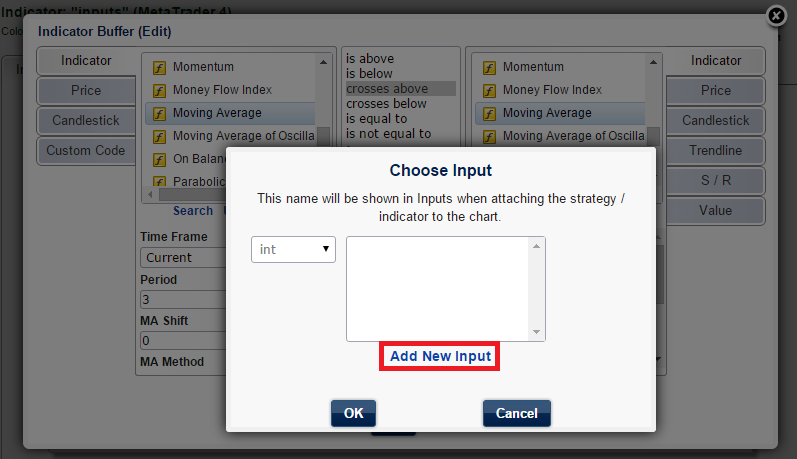
Our list of inputs is empty because we haven't created any yet. Click on the Add New Input link. A new window labeled Add New Input will open.

The first information is the type of int (integer) which means that the period can only be a whole number, i.e., 1, 2, 3, etc. This is automatically preselected and most of the time you can't change it. You can change the suggested name, Period1, to any name you want (if you choose an invalid or reserved name, it will not go through). You can also change the default value of 3. Click OK, and then click OK in the Choose Input dialog box. You will see that the checkbox next to the Period is checked.
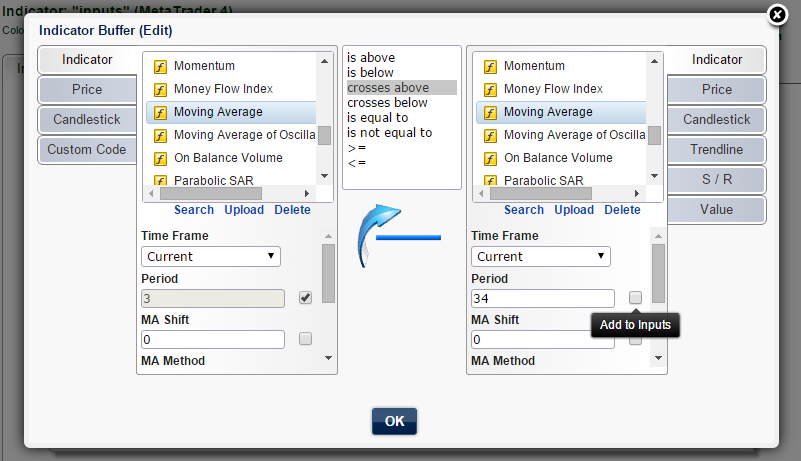
Do the same with the Period of the second moving average on the right.

The list has been populated with Period1. Generally, if the parameter values are equal, you can use one input multiple times. In our case, we want different periods for two moving averages, so we are going to add another input.
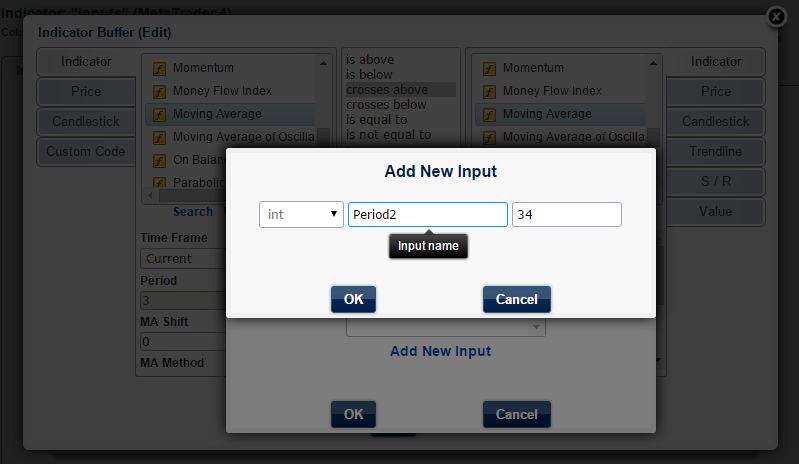
This time, we will rename it Period2 and leave the default value of 34. Click OK three times.

The numbers 3 and 34 have been replaced by violet-colored Period1 and Period2. The inputs we created are listed in the Inputs tab.
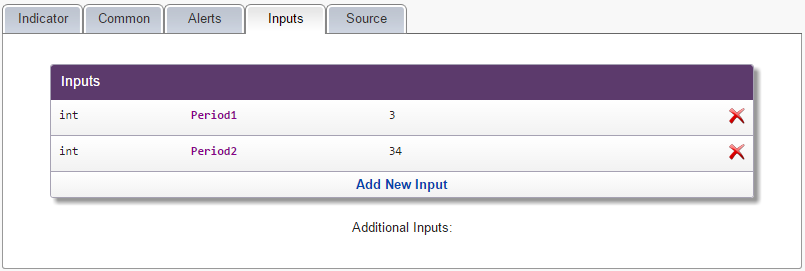
Any time you want to change the name of an input or delete it, you can do it here.
If you prefer, you can do it the opposite way round: add all inputs you need in the Inputs tab first (by clicking on Add New Input), and then choose the appropriate input from the list.