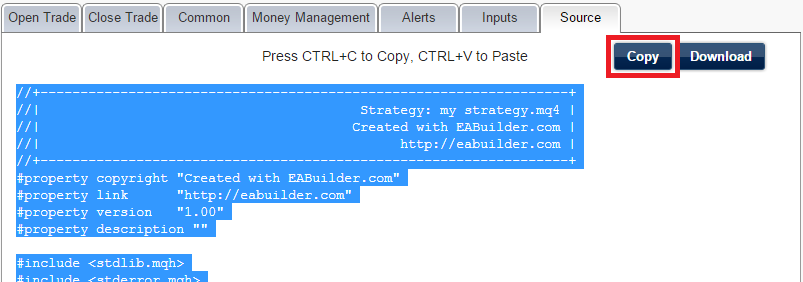
Select the source code using the Copy button and transfer it in the usual way: CTRL+C to Copy, CTRL+V to Paste.
Open MetaEditor from your MetaTrader platform.

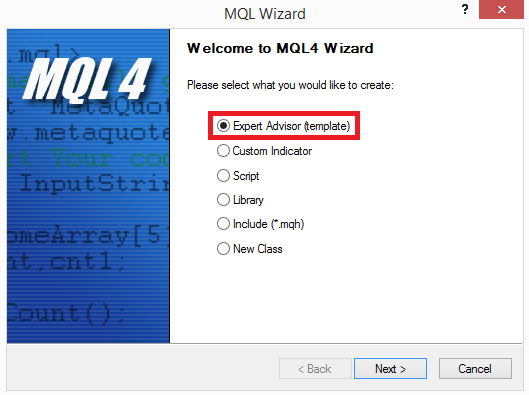
In MetaEditor, create New -> Expert Advisor.

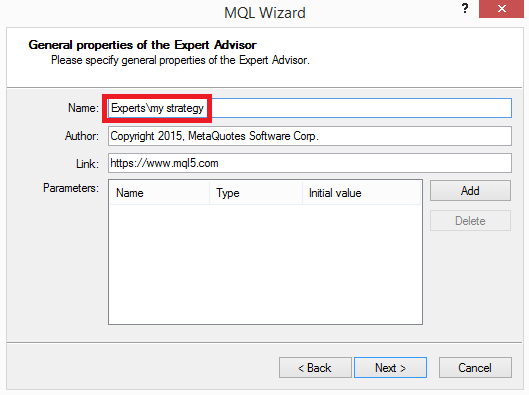
On the next page, give it a name.
Click Next several times until Finish (the setup doesn't matter because it will be overwritten by your source code).
A template source code will load.
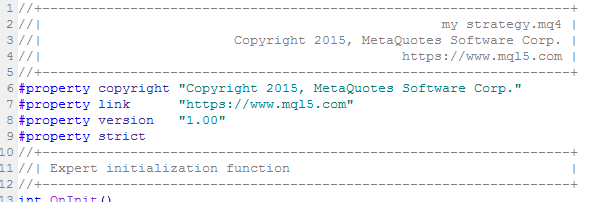
Select the code (CTRL+A) and delete all of it. Paste the code you copied from EA Builder (CTRL+C to Copy, CTRL+V to Paste).
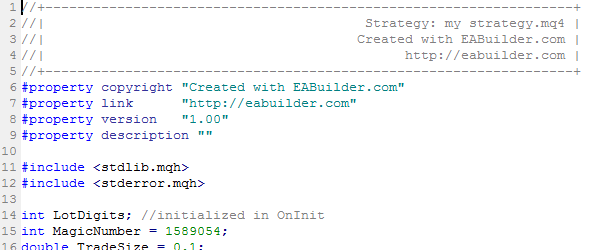
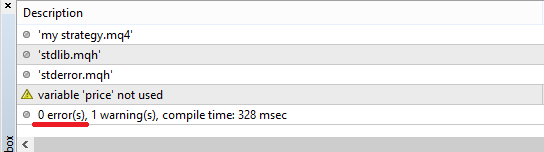
Compile it.

There are no errors.
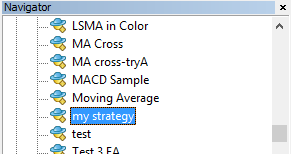
The indicator will appear in the Navigator window under Expert Advisors on your MetaTrader platform.